Maximize Your Conference Experience
Attendee Resource Guide
To ensure you get the most out of this incredible event, we’ve created a comprehensive resource guide. This guide is designed to help you navigate the conference with ease, from making meaningful connections and choosing the best sessions to tackling the exhibit hall and earning CE credits.
With practical tips and valuable insights, our resource guide will empower you to make the most of every opportunity, ensuring a rewarding and enriching conference experience. Dive in and get ready to elevate your professional journey.

Special Thanks to Our Resource Guide Sponsor
Trust and targeting driving recruitment results.
Visit NEJM CareerCenter at booth #337 to learn more.

Mobile App
The 2026 AAPPR Conference app is your perfect companion for all things conference! Connect with peers, set your own personalized schedule, navigate the city, and win prizes through the Exhibitor Prize Challenge!
To log in or sign up for the app, use the same email address you registered with for the conference.
Download the App: Download and set up the conference mobile app for easy access to schedules, maps, and networking tools.
App Features: Utilize key features like session schedules, interactive maps, and networking tools to enhance your conference experience.
Update Your Profile : Review/Edit your profile in the conference app. Make sure it’s complete and up-to-date to make a great first impression.
Attendee List: Review the attendee list to identify key contacts and plan your networking strategy.
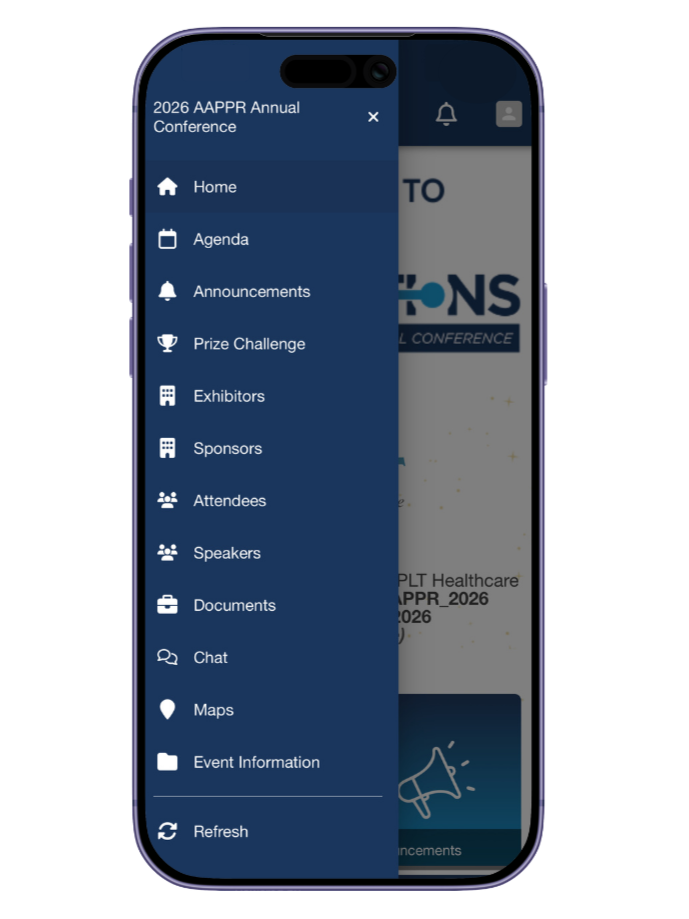
Android users must use the code aapprconference to access the app.
How to Choose Sessions
Get familiar with the Agenda: Review the schedule for the Advancing Connections 2026 AAPPR Annual Conference before arriving in Phoenix. | Click here to view Agenda
Align with Your Goals: Select sessions that align with your professional development goals and areas of interest.
Diverse Topics: Explore a variety of topics to broaden your knowledge and skill set. Don’t be afraid to step out of your comfort zone.
-
Click here to view sessions by professional level
Rising Professional
Focus on foundational concepts and best practices. Appropriate for those with limited experience of the subject who are seeking introductory understanding of the content area.
Career Development
Focus on continued understanding of industry concepts and best practices. Appropriate for those with some experience who are seeking to build on, apply, or enhance existing knowledge using content in practical applications to master concepts.
Professional Leadership
Focus on application and implementation of industry concepts and best practices. Appropriate for those with substantial prerequisite knowledge who are seeking the most up-to-date information to heighten expertise.
Additionally, we encourage you to select sessions that align with specific competencies—so you can gain the most relevant insights for your career growth and needs specific to your organization.
-
Click to view sessions by compentency
Source
Tasks in this domain focus on identifying and/or building a provider prospect pool and creating awareness of/interest in practice opportunities.
Screen
Tasks in this domain focus on the internal process of pre-qualifying candidates to meet organizational/provider expectations, which may include interviews and site visits.
Select, Offer and Hire
Tasks in this domain focus on the continuum of the process between identifying and selecting the best fit candidate through the extension and closing of an offer.
Onboard
Tasks in this domain focus on the continuance of the recruitment process to meet onboarding timelines and standards, ensuring successful entry and integration into practice and community.
Retain
Tasks in the domain focus on data analysis, strategic alignment, and program implementation with the intent of promoting provider satisfaction resulting in increased retention.
Plan for Workforce Succession
Tasks in this domain focus on data analysis, strategic alignment, and program implementation with the intent of creating a viable pipeline for workforce succession.
Lead Recruitment and Retention Process
Tasks in this domain focus on how leaders provide development oversight to operate a successful department and promote organizational initiatives in an ethical and compliant environment.
Practice Professionally and Ethically
Competencies in this domain focus on driving a professional, ethical environment.
Communicate to Establish and Maintain Relationships
Tasks in this domain focus on fostering and building trust internally and externally.
Champion Diversity, Equity, and Inclusion
Tasks in this domain focus on activities that create synergy and incorporate diverse provider demographics to create value for internal and external stakeholders.
Use Data in Decision Making
Tasks in this domain focus on the research, retrieval, analysis, and reporting of relevant facts and figures leading to evidence-based solutions.
Networking + Badge Etiquette
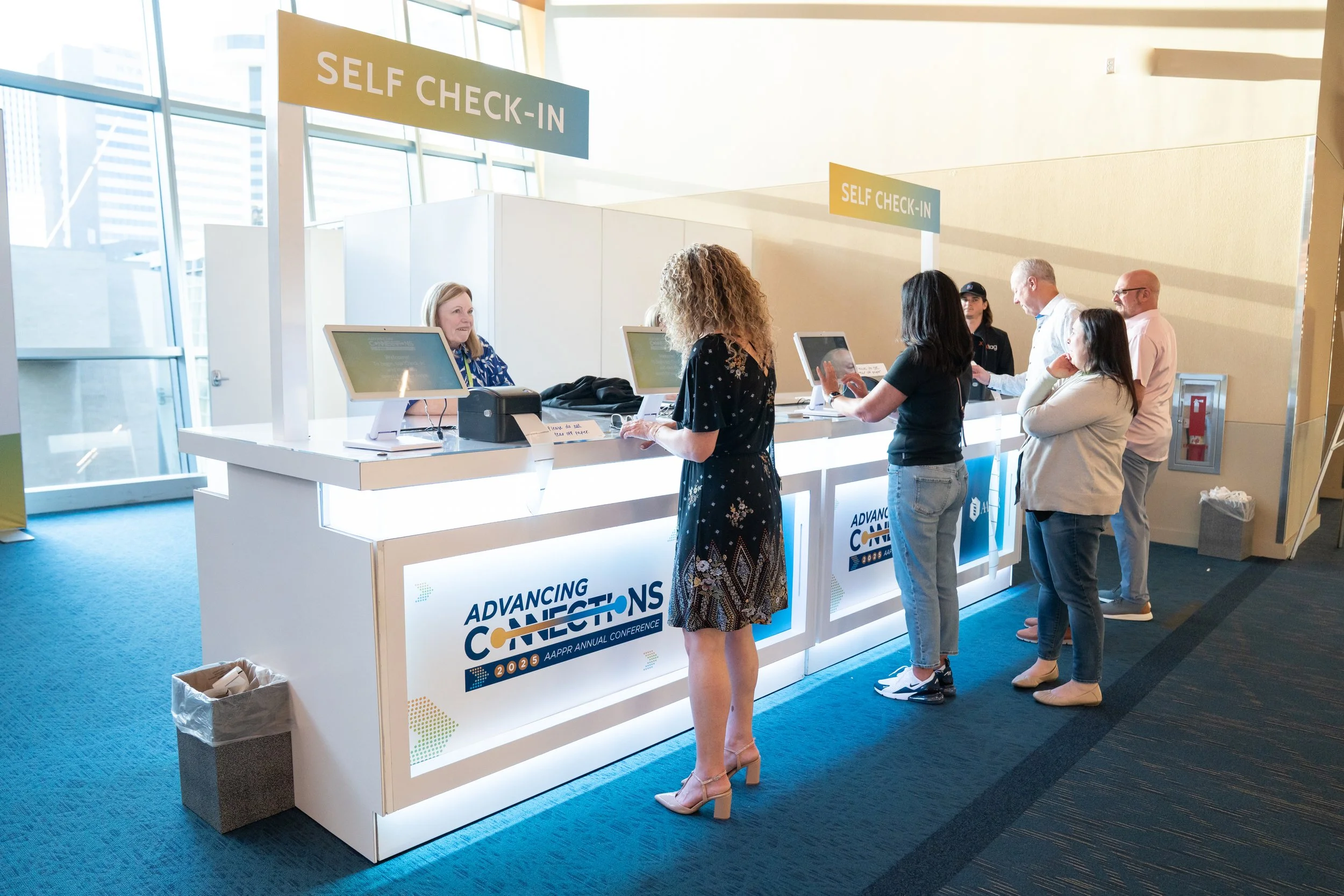
Bring Your Name Badge: Wear your name badge at all times for easy identification and access to conference events.
Maximize Your Connections: Introduce yourself confidently, start engaging conversations, and follow up with new contacts to build lasting professional relationships.
Networking Events: Take advantage of key networking events and opportunities throughout the conference to expand your network.
Use the Mobile App: Search for attendees through the conference app to find people you want to connect with. Reach out to them prior to the conference to schedule 1:1 meetings while in Phoenix.
Build Your Network: Connect with fellow attendees and speakers on LinkedIn to expand your professional network.
Post-Conference Follow-Up: Maintain and nurture your new connections by following up after the conference.
What’s on the Menu?
Explore the full conference menu, including daily breakfast and lunch offerings, with dietary accommodations noted.
Explore the Exhibit Hall
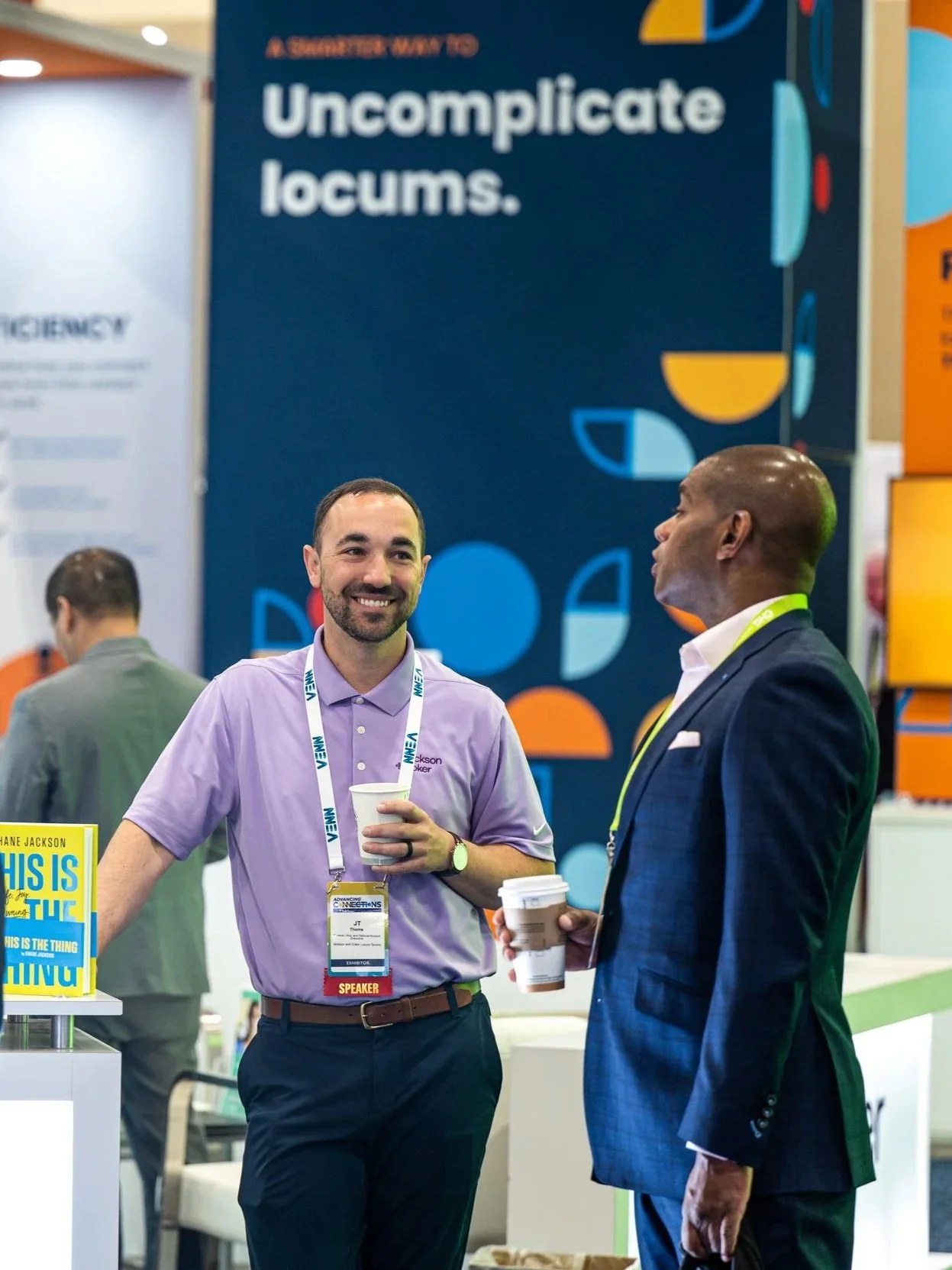
Plan Your Visit: Prioritize which exhibitors to visit based on your interests and professional needs. Make a list of must-see booths. Download the conference app to view the full list of exhibitors and access the exhibitor maps.
Engage with Exhibitors: Ask insightful questions and gather valuable information to make the most of your exhibit hall experience. Use the app to find and navigate to the exhibitors you’re interested in.
Android users must use the code aapprconference to access the app.